
Entering and exiting Fullscreen Mode
WordPress now opens the Block Editor in Fullscreen mode by default, when you add a new Page or Post. Fullscreen mode will hide certain parts of the User Interface such as the left-hand menu.
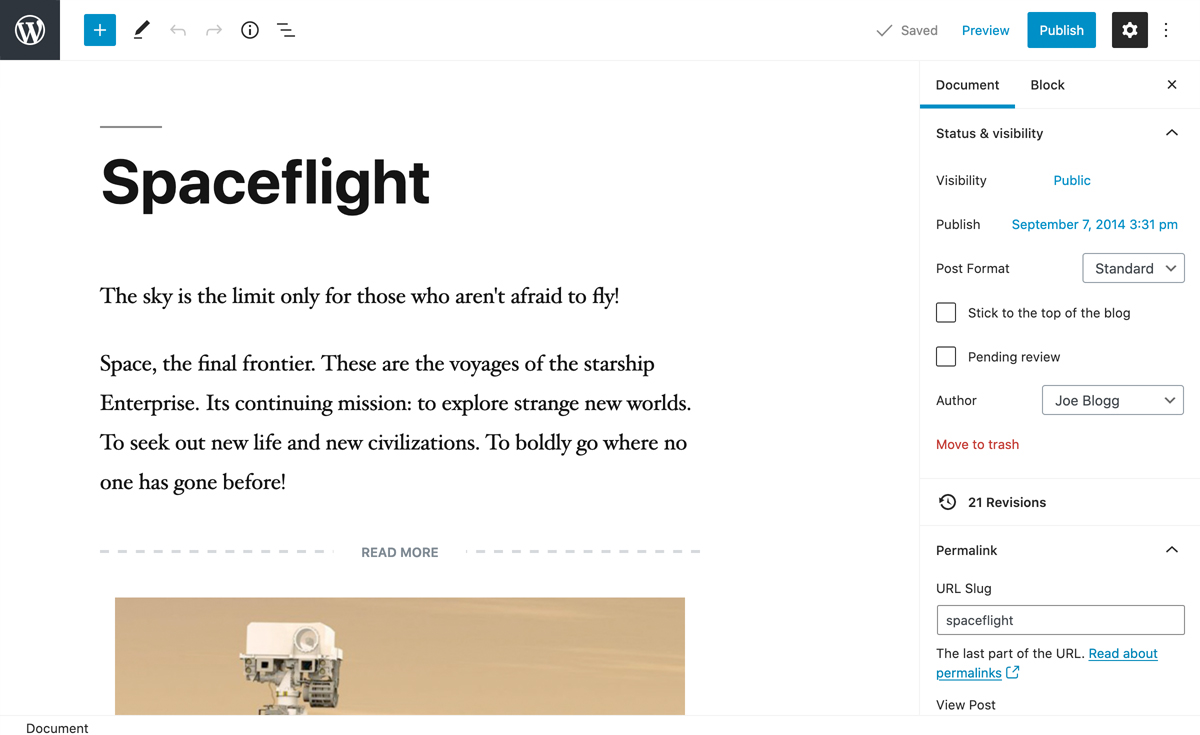
To turn off Fullscreen mode, click the More tools & options icon ( ) in the top-right corner of the page and then click on the Fullscreen mode option. This will return the page back to the familiar layout that you’re accustomed to.
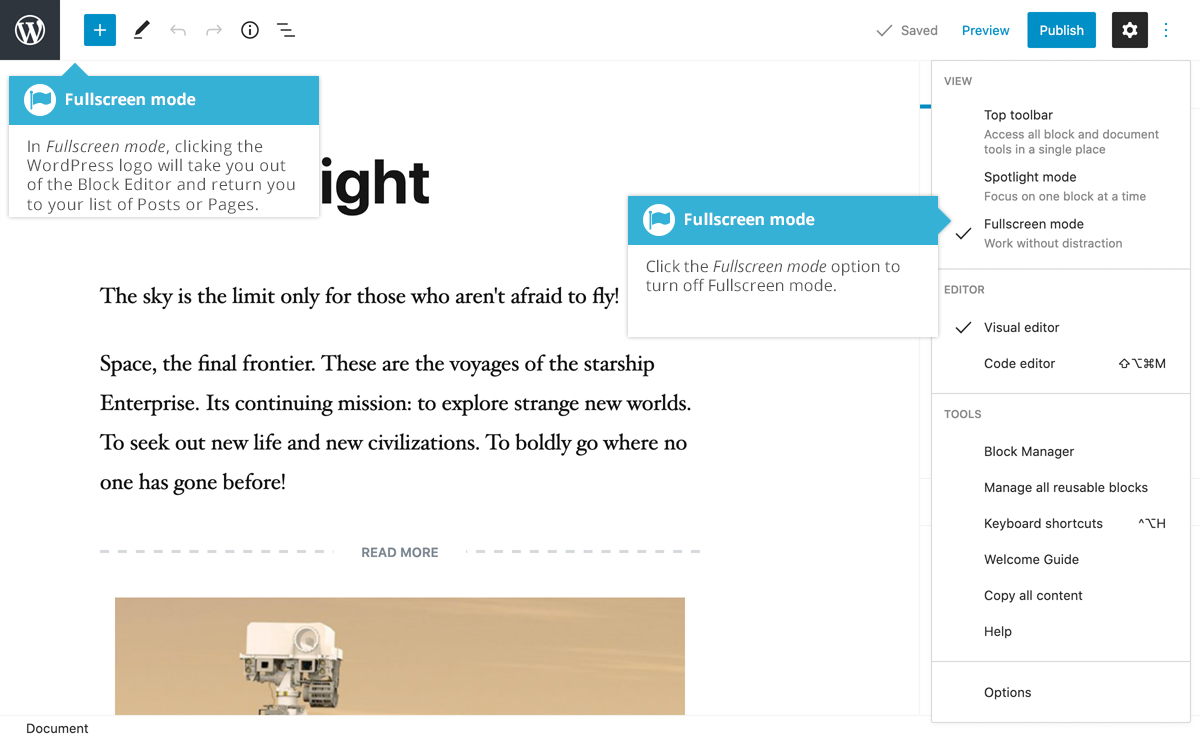
In Fullscreen mode, clicking the WordPress logo in the top-left corner of the page will take you out of the Block Editor and return you to your list of Posts or Pages.
Unfortunately, when you turn off Fullscreen mode at the moment, your choice is stored in your browser’s local storage. This means that if you clear your browsers cache, start editing your site in a different browser, or on another computer, Fullscreen mode will automatically turn back on and you’ll need to manually turn it off again.